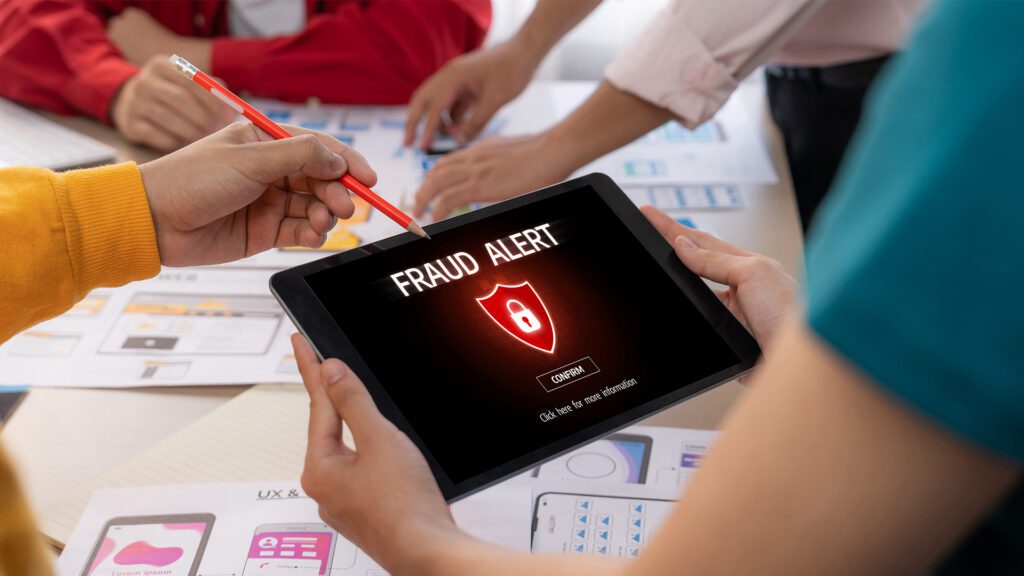
Email remains one of the most common ways scammers try to reach unsuspecting victims. From fake bank alerts to “urgent” messages from supposed coworkers, these scams are designed to trick you into clicking malicious links, sharing personal information, or sending money. The good news is that with a few smart habits, you can dramatically reduce your risk.
Pause Before You Click
The first rule of email safety is simple: slow down. Scammers rely on urgency—messages that claim your account will be locked, a package is delayed, or you’ve won a prize that must be claimed immediately. Before clicking any link or downloading an attachment, take a moment to assess whether the message makes sense. If it feels rushed or overly dramatic, that’s a red flag.
Check the Sender Carefully
At a glance, a scam email can look legitimate. But a closer inspection often reveals subtle clues. Look beyond the display name and examine the full email address. Scammers frequently use addresses that mimic real companies but include extra characters or slight misspellings. For example, a message that appears to come from your bank might actually originate from a suspicious domain. When in doubt, don’t reply—visit the company’s official website directly instead.
Hover Over Links
Before clicking any link, hover your cursor over it to see the actual destination URL. If the link doesn’t match the organization it claims to represent, do not click it. Even if it looks close, such as a slight variation in spelling, it could lead to a phishing site designed to steal your login credentials.
Be Wary of Attachments
Attachments can carry malware that infects your device the moment they’re opened. Unexpected attachments—especially those with generic names like “invoice” or “document”—should be treated with suspicion. If you weren’t expecting a file, verify its legitimacy with the sender through another method before opening it.
Use Strong, Unique Passwords
Even if you accidentally fall for a scam, strong passwords can limit the damage. Avoid reusing the same password across multiple accounts. Instead, create unique passwords for each account and consider using a password manager to keep track of them. Adding two-factor authentication (2FA) provides an extra layer of security, requiring a second verification step beyond your password.
Keep Your Software Updated
Security updates are designed to patch vulnerabilities that scammers and hackers exploit. Make sure your operating system, email app, and antivirus software are always up to date. These updates often run automatically, but it’s worth checking regularly to ensure nothing has been missed.
Trust Your Instincts
If something feels off, it probably is. Scammers often use poor grammar, unusual phrasing, or requests that seem out of character for the sender. Messages asking for sensitive information—like passwords, Social Security numbers, or payment details—should immediately raise suspicion. Legitimate organizations rarely ask for such information via email.
Report and Delete Suspicious Emails
Most email providers offer tools to report phishing or spam messages. Reporting helps improve filtering systems and protect others from similar scams. After reporting, delete the message to avoid accidentally interacting with it later.
Stay Informed
Scammers constantly evolve their tactics, so staying aware of common schemes is essential. Whether it’s fake delivery notifications, impersonation emails, or fraudulent job offers, understanding the latest trends can help you recognize threats more quickly.
Protecting yourself from email scams doesn’t require advanced technical skills—just awareness, caution, and a willingness to double-check before acting. By building these habits into your daily routine, you can better keep your inbox—and your personal information—secure.
Michael Copeland is a financial advisor in the Chapin/Irmo area and has been advising clients for over 35 years. He is Dave Ramsey SmartVestor Pro in the Greater Columbia area. Securities and advisory services are offered through LPL Financial, a Registered Investment advisor, Member FINRA/SIPC. The opinions voiced are for general information only and are not intended to provide specific advice or recommendations for any individual. Michael may be reached at 803-414-6475 or michael.copeland@lpl.com.