There’s no question that the iPhone has changed the game in everyday photography. Here are seven ways to maximize the most powerful tool in your pocket.
Increase the Resolution. For those special images you’d like to be extra crisp for uses beyond iPhone screen viewing, you can easily double its resolution. Once the setting is turned on, you can easily tap and change JPEG24 to JPEG48 in the corner of the photo viewing screen. This setting defaults back to 24 MegaPixils, so it’s something you’ll have to adjust every time (Settings > Camera > ProRAW > Resolution Control).
Clean the Lens. Have you ever wondered why your iPhone images are cloudy? These lenses are constantly exposed to the elements, so a quick wipe may sometimes be necessary. Of course a microfiber cloth is preferred, but in a pinch, the edge of your shirt will work.
Look at the Lens, Not Yourself. When taking a selfie, the natural instinct is to look at yourself in the mirrored screen. When you look back at the images later, it can look like you’re all looking slightly off to the side. When saying cheese, remind everyone to look at the green dot to the side of the screen. That’s the lens indicator. And that’s where you want to wipe away the smudges.
Selfie Stick. These handy-dandy tools are so compact and so cheap—and so up-your-game. Besides the basic selfie function, many have tripod legs and a telescoping arm over five feet long. The clicker connects to your iPhone via Bluetooth and is detachable for remote use.

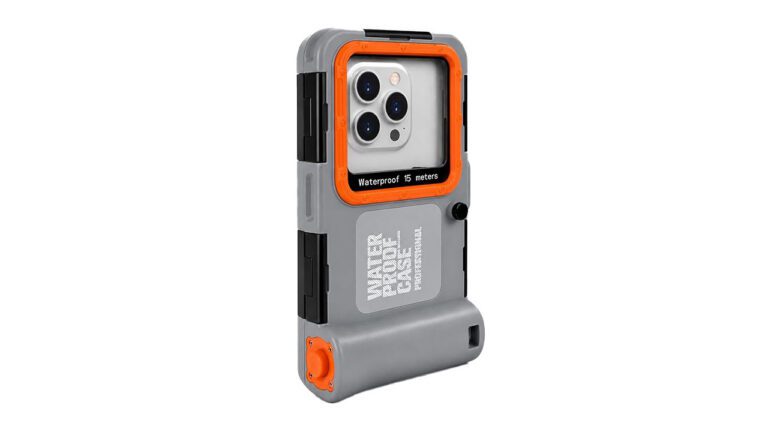
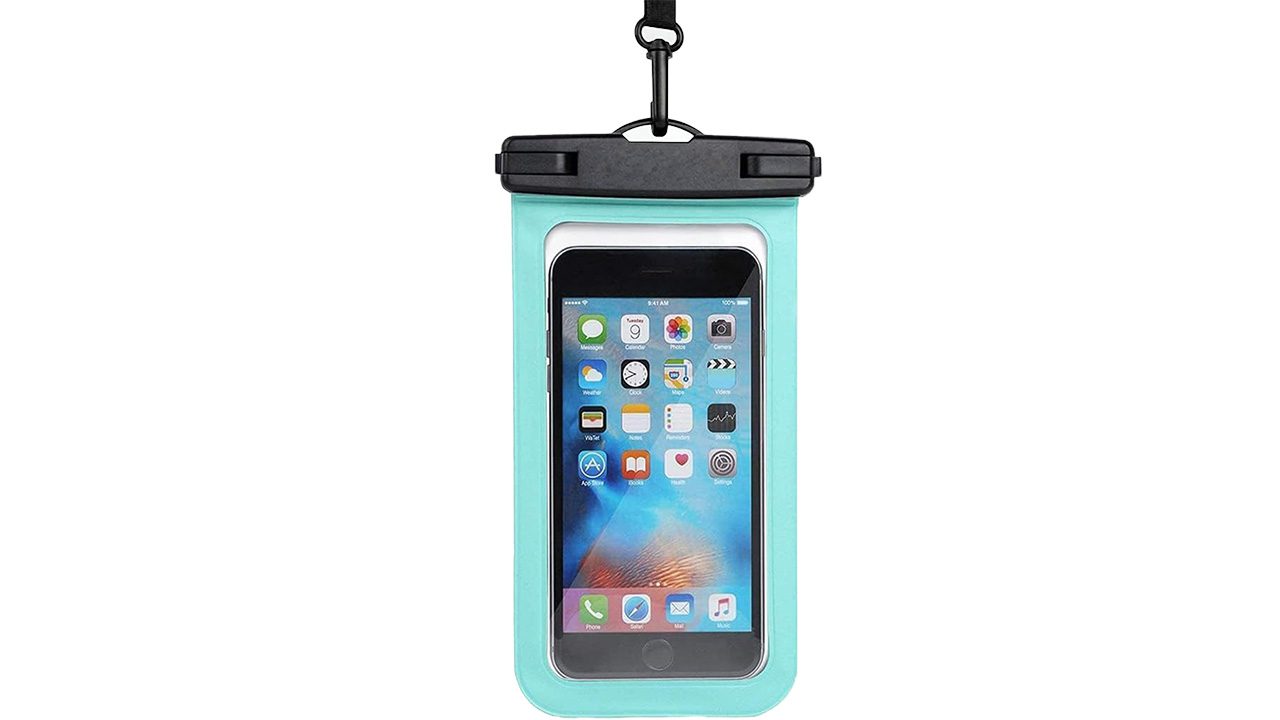
Underwater Cases. The fun you can have with your kiddos and family by taking underwater photos is wild. You won’t have any trouble getting the biggest, most genuine smiles out of kids too! Cases are as simple as a plastic sleeve for the pool or industrial cases for diving.
Tap to Focus. The iPhone is great at focusing, but it isn’t perfect and it doesn’t always know what you’re targeting. Take an extra split second to tap the item you want to focus on, especially if it’s not a person.
Use the Rear Lenses. The single lens embedded into the screen is great for selfies and to check your look in the mirror, but the quality pales in comparison to the multiple lenses in the rear. When quality matters, use the lenses on the back. Coupled with the selfie stick tripod and its remote Bluetooth clicker, you’re in business!
How do you get the most out of your iPhone camera? I’d like to know. Email me your secret (or not-so -secret) tips to Rod@NonaPhoto.com.
Any content, resident submissions, guest columns, advertisements, and advertorials are not necessarily endorsed by or represent the views of Best Version Media LLC (BVM) or any municipality, homeowners associations, businesses, or organizations that this publication serves. BVM is not responsible for the reliability, suitability, or timeliness of any content submitted, inclusive of materials generated or composed through artificial intelligence (AI). All content submitted is done so at the sole discretion of the submitting party.